
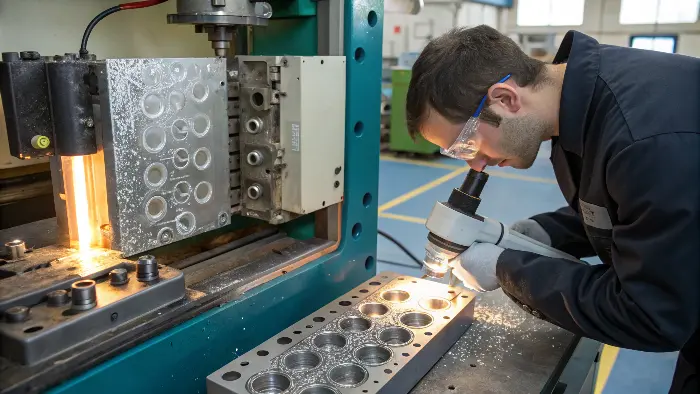
Do not adjust the machine until the “bubble” is classified. Moisture or degradation gas, trapped air, shrinkage voids and surface splay can look related but require different evidence and corrective actions.
Bubbles in an injection molded part are a symptom, not a single defect category. A visible bubble may be moisture vapor, trapped air, a shrinkage void inside a thick section, gas from degradation or an appearance change caused by decompression. Correct action starts by locating the defect, cutting or inspecting the part when appropriate, reviewing the resin history and comparing the defect with fill and cooling behavior.
Related CKMOLD resources: production injection molding, DFM analysis, mold testing and validation.
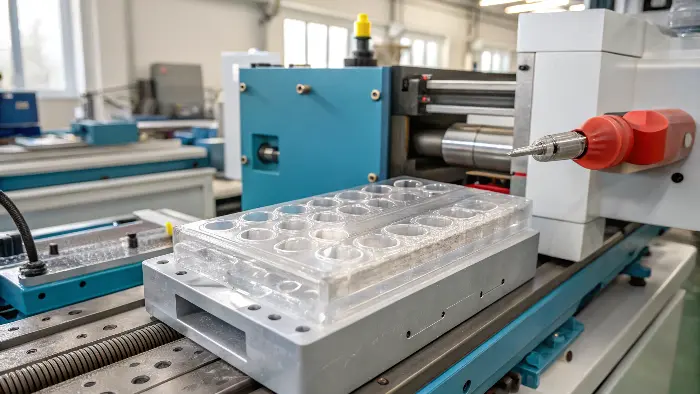
What Are “Bubbles” in an Injection-Molded Part?
First classify the feature: trapped gas, moisture or degradation bubbles, shrinkage voids and surface splay need different remedies. Record location, size, frequency, shot position and whether it is internal or open to the surface. Section or image a sample when needed.
- Shrinkage void: commonly forms inside a thick region when the skin resists sinking while the core contracts and lacks adequate compensation.
- Gas bubble: can be associated with trapped air, moisture, volatilization or material degradation.
- Splay/silver streak: a surface flow pattern often linked to moisture, volatiles, air or thermal/shear history.
Primary sources checked: Autodesk — Sink Marks and Voids (shrinkage, packing and thick-section diagnosis). The cited scope still has to be matched to the exact grade, tool, product and destination market.
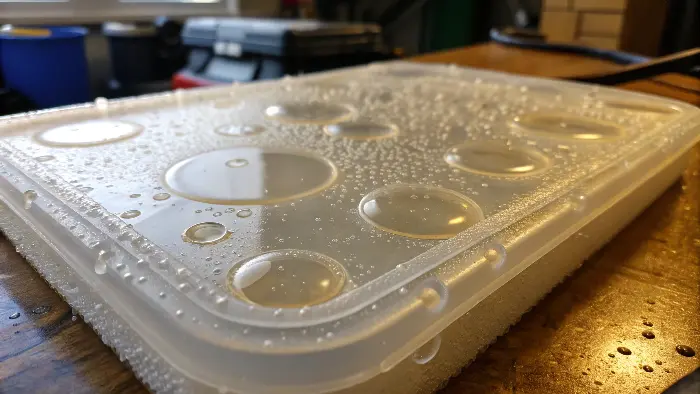
How Can a Team Distinguish a Void From a Gas Bubble?
Use sectioning, microscopy or appropriate non-destructive inspection, then correlate the feature with wall thickness, ribs/bosses, gate distance and process traces. A shrinkage void often follows thick geometry and insufficient compensation; a gas-related feature may track moisture, residence time, flow-front air traps or degradation. Appearance alone is not always decisive.
Do not rely on an uncontrolled flame or heat-gun test as proof. It can alter or ignite material and does not identify the original mechanism. Once the defect mechanism is identified, use a controlled process-optimization sequence rather than changing several settings at once.
What Should Be Checked Before Changing Pressure or Speed?
- Confirm material identity, storage, drying record and measured moisture where applicable.
- Check purge condition, residence time, melt-temperature evidence and contamination.
- Run a controlled short-shot sequence and inspect vent/end-of-fill locations.
- Review transfer, cushion, peak/hold pressure and part-weight response through gate freeze.
- Correlate the defect with thick sections and cooling.
Change one controlled factor at a time. More injection speed, back pressure or hold pressure can help one mechanism and worsen another; there is no universal percentage adjustment.
When Is a Tool or Part-Design Change Needed?
If evidence shows trapped air, improve vents, overflow or gate/flow-front behavior at the confirmed location and maintain vents against blockage. If evidence shows shrinkage voids, review wall transitions, rib/boss design, gate access to the thick region, runner restriction, packing and cooling. Tool changes should follow diagnosis, because simply adding vents will not correct a shrinkage void.
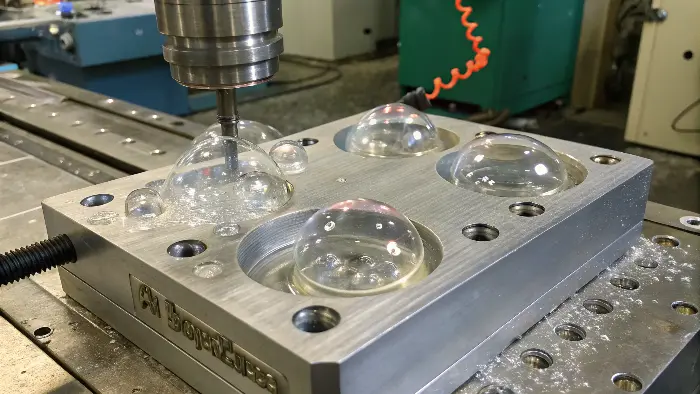
A Controlled Corrective-Action Sequence
- Define: photograph, locate, section and quantify the defect.
- Stabilize: confirm resin/lot, dryer, machine, tool and baseline process.
- Test the mechanism: use moisture data, short shots, process traces, gate-freeze/weight study and geometry review.
- Correct the highest-confidence cause: material handling, residence/temperature, venting, transfer/pack/cool or geometry/tooling.
- Confirm: run enough consecutive cycles and inspect both the defect and side effects such as flash, dimensions, residual stress or degradation.
Separate Bubbles, Voids and Splay
A void is often internal and connected with volumetric shrinkage in a thick or poorly packed region. Moisture can create silver streaks, bubbles or a foamy appearance. Trapped air may occur at the last-to-fill location or around an insert. The visual appearance alone is not enough; use sectioning, microscopy, weight and process evidence where the part is critical.
Check Resin Drying and Handling
Confirm the exact grade, drying temperature, time, hopper condition, storage exposure and regrind history. Wet resin can create gas or reduce molecular performance. Over-drying or overheating can also damage some materials, so follow the grade’s processing guidance and record actual dryer performance rather than relying on a setpoint.
Review Venting and Flow Fronts
Air must escape as the polymer advances. Blocked vents, insufficient vent depth, poor parting-line contact, blind ribs and inserts can trap gas. A flow-front or short-shot review helps determine whether the bubble location corresponds to the last-to-fill region, a weld-line area or a local thick section.
Investigate Packing and Thick Sections
Internal voids often form when the outside skin freezes before the core has been packed. Check wall transitions, bosses, ribs, gate freeze, hold pressure, hold time and cooling. Increasing pressure alone may not solve a geometry-driven void and can create flash or stress elsewhere.
Control Decompression and Thermal Damage
Excessive decompression can draw air into the melt stream, while long residence time, excessive temperature or high shear can generate gas. Review screw recovery, back pressure, screw speed, purge, melt temperature and nozzle condition. Correct the underlying mechanism instead of masking the symptom with a higher limit.
Bubbles in Injection Molded Parts: Buyer Review Checklist
- Classify the defect as moisture, trapped air, shrinkage void, degradation or decompression-related gas.
- Verify resin grade, drying history, hopper condition, storage and regrind content.
- Map the defect to the flow front, vent locations, inserts, thick sections and gate-freeze behavior.
- Review packing, cooling, screw recovery, back pressure, decompression and residence time.
- Confirm the correction with sectioning, weight, appearance, dimensions and repeat-cycle data.
FAQ
Can wet plastic cause bubbles?
Yes. Moisture can vaporize or degrade the polymer during molding, creating bubbles, splay, void-like marks or reduced performance depending on the resin.
Why do bubbles appear in thick parts?
Thick sections can develop internal shrinkage voids when the outer skin freezes before the core is adequately packed and cooled.
Conclusion
“Bubble” is a symptom, not a root cause. Separate gas/moisture/degradation features from shrinkage voids and splay, use measured process and part evidence, then change material handling, process, tooling or geometry to match the confirmed mechanism.