
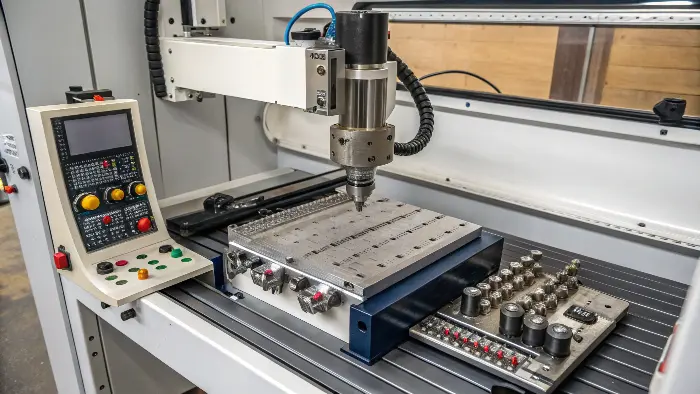
Designing parts for CNC machining can feel tricky. You might worry if your design will be too complex or expensive to make. This uncertainty can slow down your projects and lead to costly mistakes. But, with the right approach, you can create designs that are both functional and easy to machine.
Designing for CNC machining is about respecting how tools cut metal or plastic. A model may be easy to draw in CAD but expensive, unstable or impossible to machine if it uses sharp internal corners, deep pockets, thin walls or unnecessarily tight tolerances.
Related CKMOLD resources: injection mold services, DFM analysis, mold design, mold testing and validation, and production injection molding.
To design parts for CNC machining effectively, you need to consider material selection, appropriate tolerances, and design features that are CNC-friendly. This includes avoiding very thin walls, deep narrow pockets, and complex internal geometries where possible. Using CAD software to create precise models and thinking about the manufacturing process from the start are key steps for success.
The Injection Molding DFM Guide: From CAD Review to Steel Release connects geometry, tooling and approval as one process. The narrower task here is the different design logic used for CNC-machined parts.
Send a Drawing That Resolves Setup, Datums and Finished Dimensions
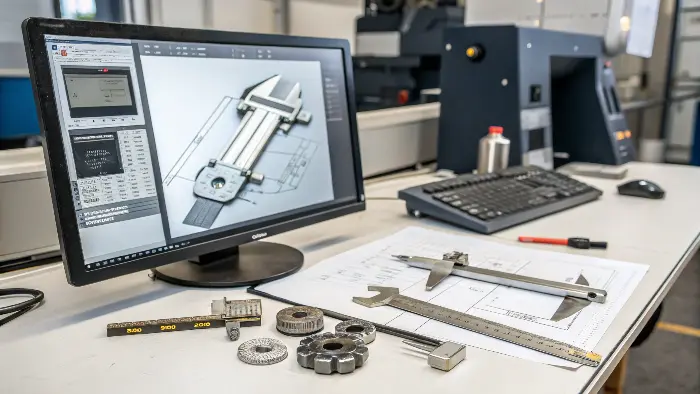
Provide the 3D model and a controlled drawing with units, material/condition, functional datums, critical tolerances, threads, surface texture and finishing requirements. Identify which dimension applies before or after coating or heat treatment. If model and drawing conflict, resolve the authority before manufacture.
Show the mating interface and allowed tool access rather than tightening every dimension. Ask the supplier how the part will be held and reoriented, where datum transfer could add error and which thin walls need support. For a tapped hole, specify thread form, size, class and required engagement; a rendered helical thread alone is a poor inspection instruction.
Protolabs’ machining DFM guidance distinguishes geometric access from a particular automated shop’s toolset limits. Its standard tolerances are not CKMOLD promises. For a CNC prototype enquiry, include quantity, finish, inspection report needs and whether the prototype must represent a later molded material; that avoids confusing machined fit evidence with molded-part qualification.
How to design a machine part for CNC?
Ever had a brilliant idea for a part, but then struggled to make it real for CNC machining? It’s a common hurdle. You want it to work reliably, but also be easy and affordable to produce. This can feel like a tough balancing act.
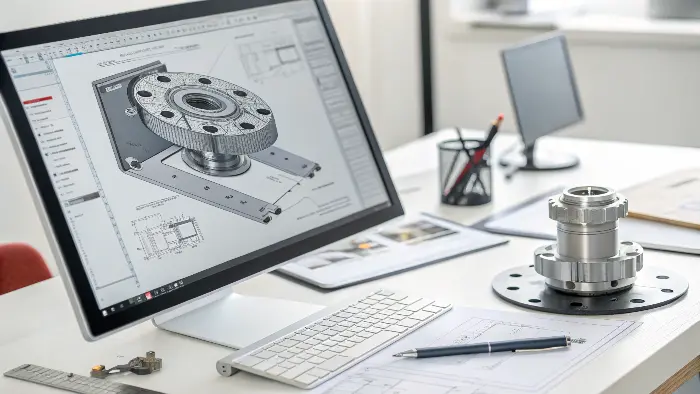
Designing a machine part for CNC involves defining its function, selecting the right material, creating a detailed 3D model using CAD software, and applying Design for Manufacturability (DFM) principles. This means thinking about how the part will actually be cut, ensuring features are accessible to cutting tools, and specifying realistic tolerances.
Here’s a breakdown of key considerations:
- Function First: Clearly define what the part needs to accomplish. This influences material, shape, and tolerances.
-
Material Selection: The material impacts strength, weight, cost, and machinability.
Material Pros Cons Common Uses in CNC Aluminum 6061 Good strength-to-weight, machinable Can be gummy Prototypes, structural parts Stainless 304 Corrosion resistant, strong Harder to machine, more expensive Suitable corrosion-resistant applications; food/medical suitability needs finished-use evaluation. ABS Plastic Easy to machine, affordable Lower strength Enclosures, prototypes PEEK High temp, chemical resistant Expensive, specific machining Demanding heat/chemical applications; medical use requires qualified grade and device evidence. - CAD Modeling: Use Computer-Aided Design (CAD) software to create a precise 3D model. Keep designs as simple as possible while meeting functional needs. Use standard hole sizes and radii where you can.
- Design for Manufacturability (DFM):
- Tool Access: Can a cutting tool reach all the surfaces it needs to machine?
- Wall Thickness: Avoid walls that are too thin, as they can vibrate or break during machining.
- Hole Depths: Very deep holes (more than 6 times the diameter) can be challenging.
- Internal Radii: A rotating end mill leaves radii at internal pocket corners. Larger practical radii improve tool access. Special operations such as EDM or a designed corner relief may create other geometry, but they change the manufacturing scope and cost.
- Tolerances: Specify only the necessary tight tolerances. Over-tolerancing increases cost.
Thinking through these points helps create a part that is not just functional but also efficient to produce.
Keep CAD and Drawing Requirements Consistent
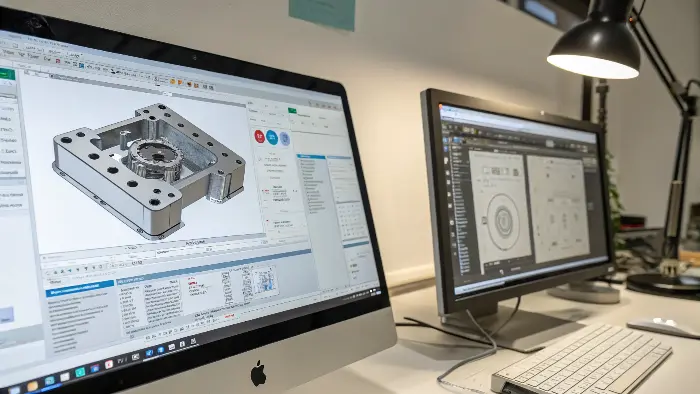
The CAD model supplies geometry; the controlled drawing defines the dimensions, datums, material and finished condition needed for acceptance. Resolve conflicts before the supplier creates CAM toolpaths. The software brand does not determine whether a feature is accessible or economical to machine.
Give the Machinist a Verifiable Manufacturing Requirement
Provide the required geometry and acceptance basis, then review tool access, workholding and setup changes with the machinist. Programming and postprocessor validation belong to the selected machine and manufacturing route; a generic G-code sequence is not a substitute for that review.
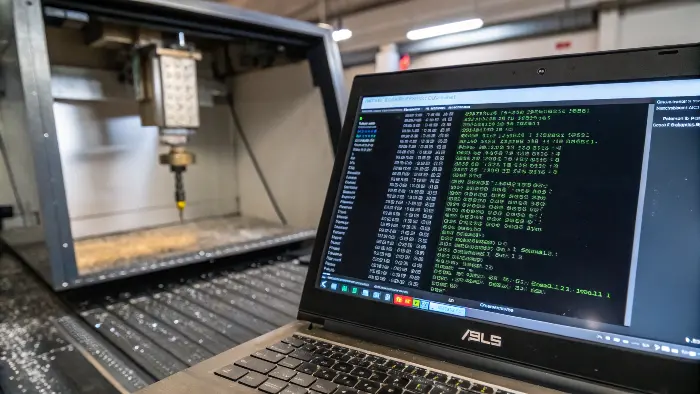
Check the Workholding and Tool-Access Envelope
Assess whether the selected machine, fixture, spindle and tool holder can reach each feature while supporting the part. Identify datum transfers, deep pockets and thin walls that could amplify deflection or setup error, and agree any geometry change before manufacture.
Tolerances Should Match Function
The most expensive tolerance is the one that does not matter. Tight tolerances increase machining time, inspection effort and scrap risk. Designers should apply tight tolerances only to functional interfaces, datums, bearing surfaces or assembly-critical features.
Internal Radii and Tool Access
CNC tools are round, so internal corners need radii. Very small radii require small cutters, which are slower and more fragile. Deep pockets with tiny corner radii can dramatically increase cost. A practical DFM review checks whether tool access supports the requested geometry.
Wall Thickness, Pockets and Distortion
Thin walls can vibrate during machining and may distort after material removal. Deep pockets create tool deflection and poor surface finish. If the part must stay flat or precise, material removal strategy and support features should be considered early.
Material and Finish Choices Affect Cost
Aluminum, steel, stainless steel, brass and engineering plastics all machine differently. Surface finish, anodizing, polishing or heat treatment can change tolerances and lead time. CKMOLD reviews these downstream requirements before quoting when they affect manufacturability.
Design for CNC Machining: Buyer Review Checklist
- Apply tight tolerances only where they control function.
- Use practical internal radii that match available cutting tools.
- Avoid very deep narrow pockets unless function requires them.
- Review thin walls for vibration and distortion risk.
- Confirm surface finish and post-processing before finalizing dimensions.
FAQ
What is the most common CNC design mistake?
Over-tight tolerances and sharp internal corners are very common because they look simple in CAD but are costly in machining.
Can CKMOLD support CNC prototypes before injection mold tooling?
Yes. CNC prototypes can help validate geometry, assembly and appearance before committing to mold manufacturing.
Conclusion
Designing parts for CNC machining well means thinking about the whole process. From your initial idea to the software you use, and even how the machine works, it all connects. By keeping manufacturing in mind, you can create better, more cost-effective parts. I hope these insights help you on your journey!